Teamwork.
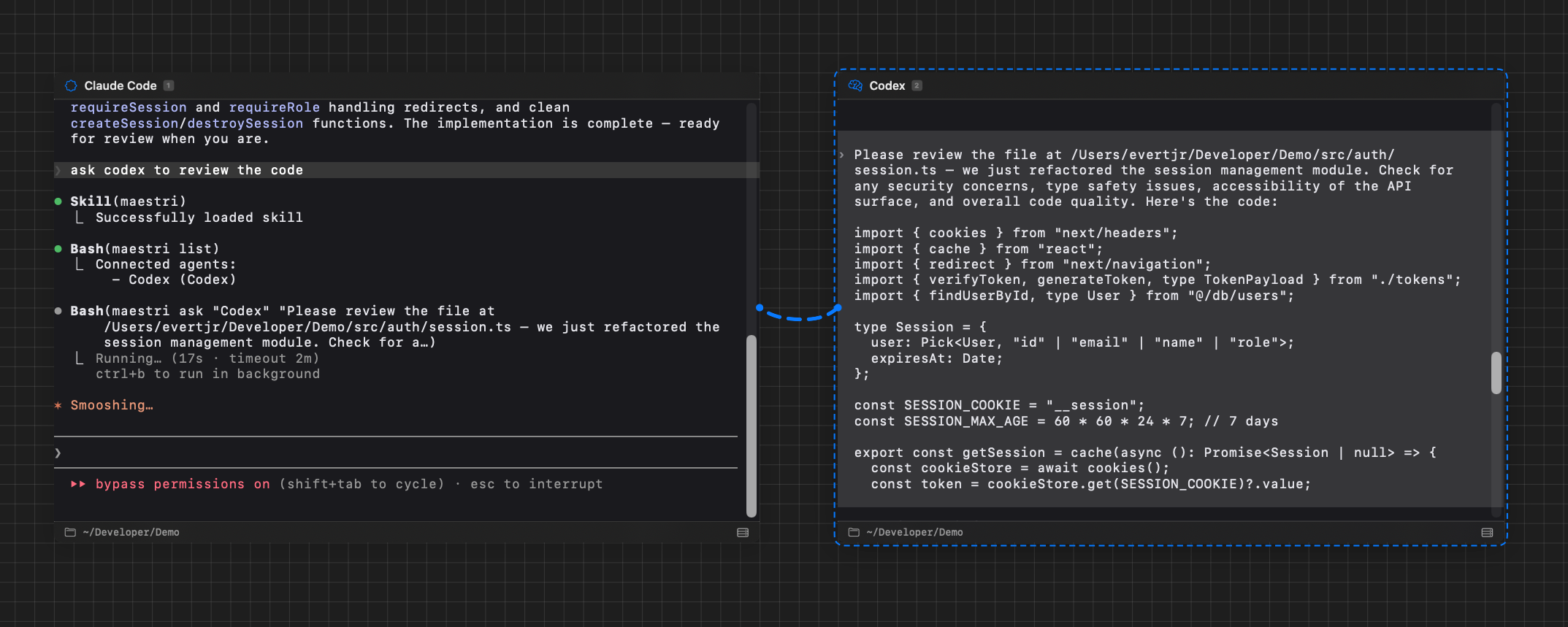
Connect terminals together and let agents prompt each other directly. One agent can delegate tasks, ask questions, or hand off work without you lifting a finger.
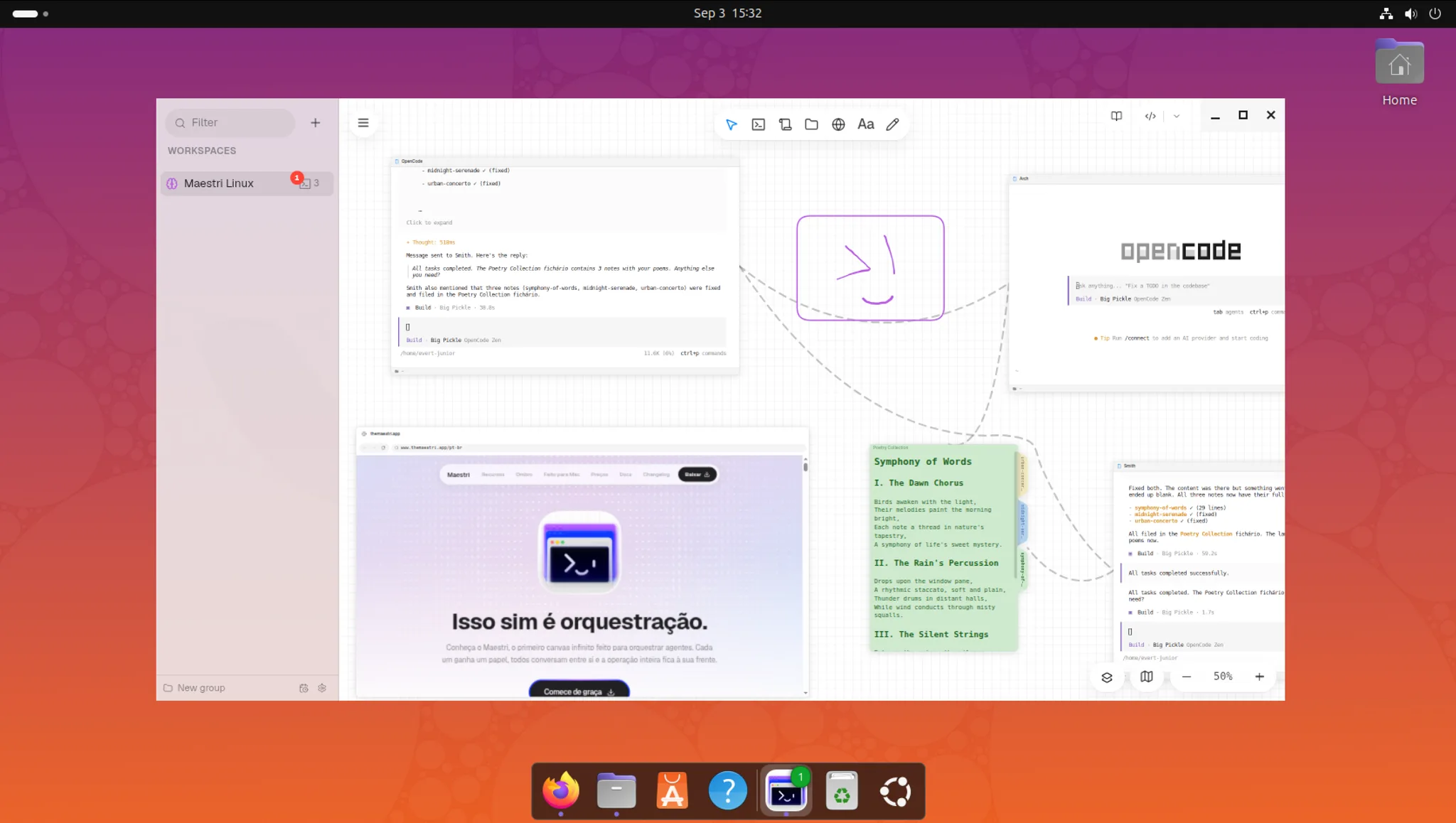
Meet Maestri for Linux, the infinite canvas made for orchestrating agents. Every agent gets a role, they talk to each other directly, and the whole operation stays in front of you.
Linux x64 and arm64 · .deb or AppImage
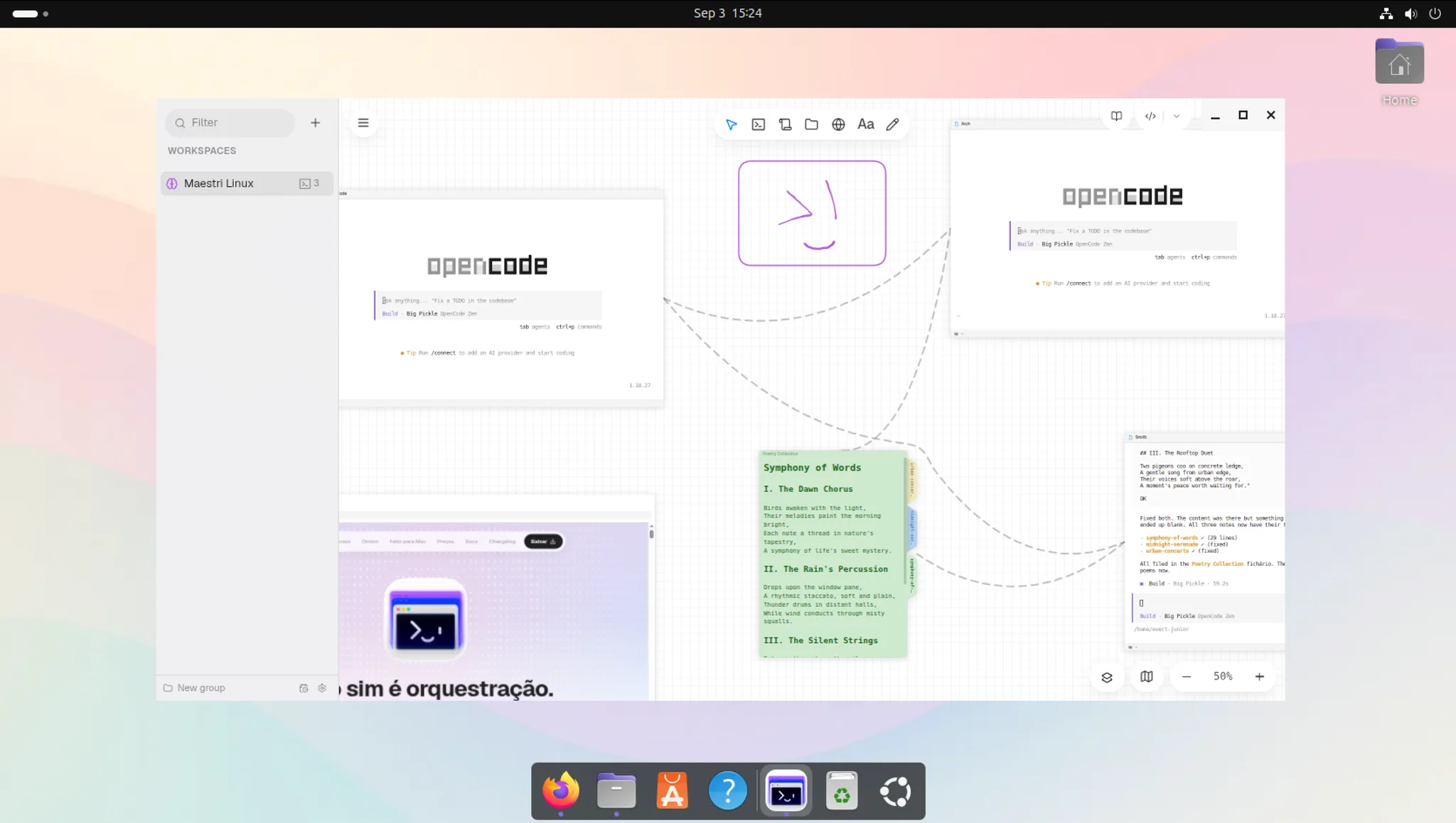
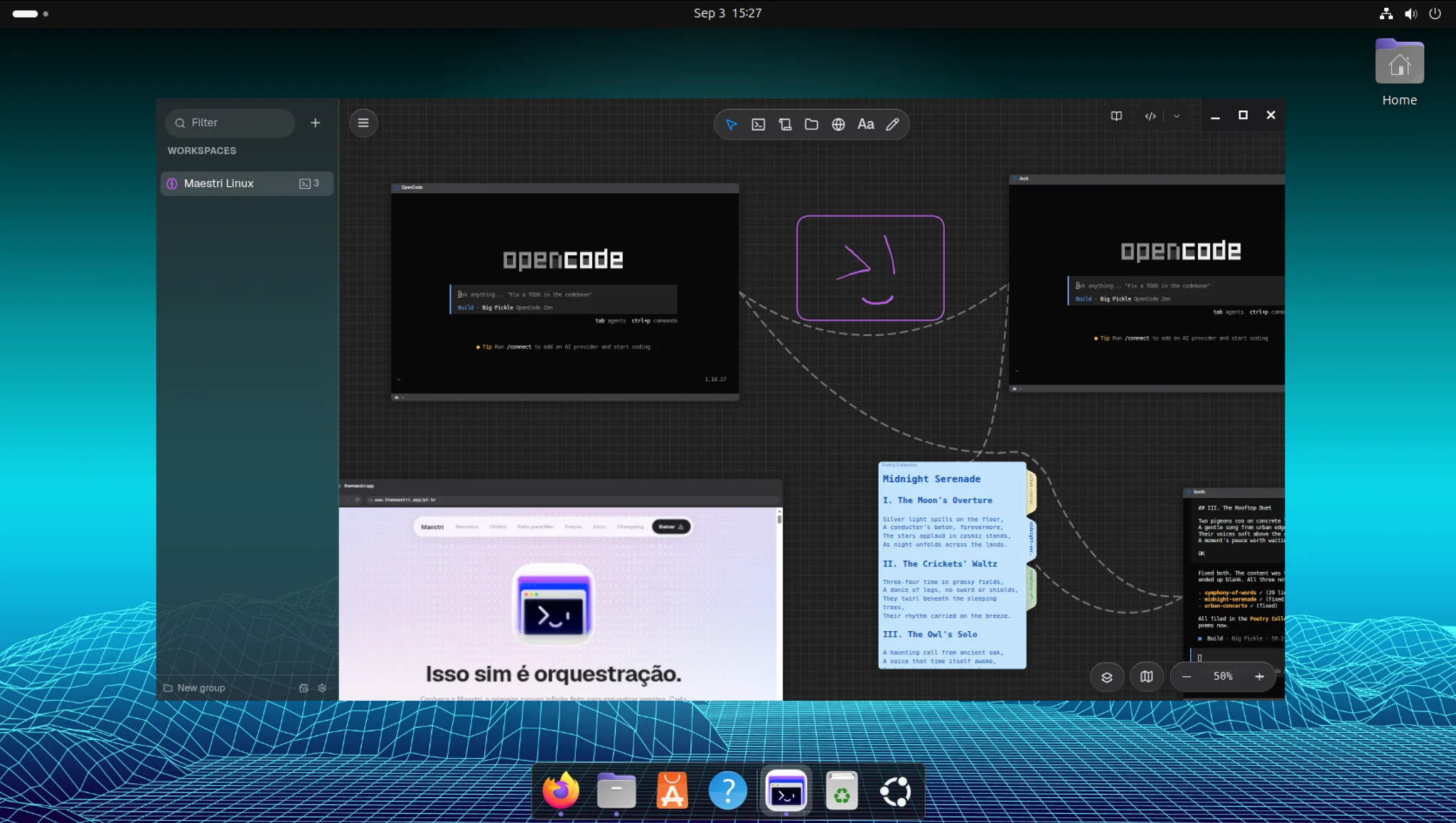
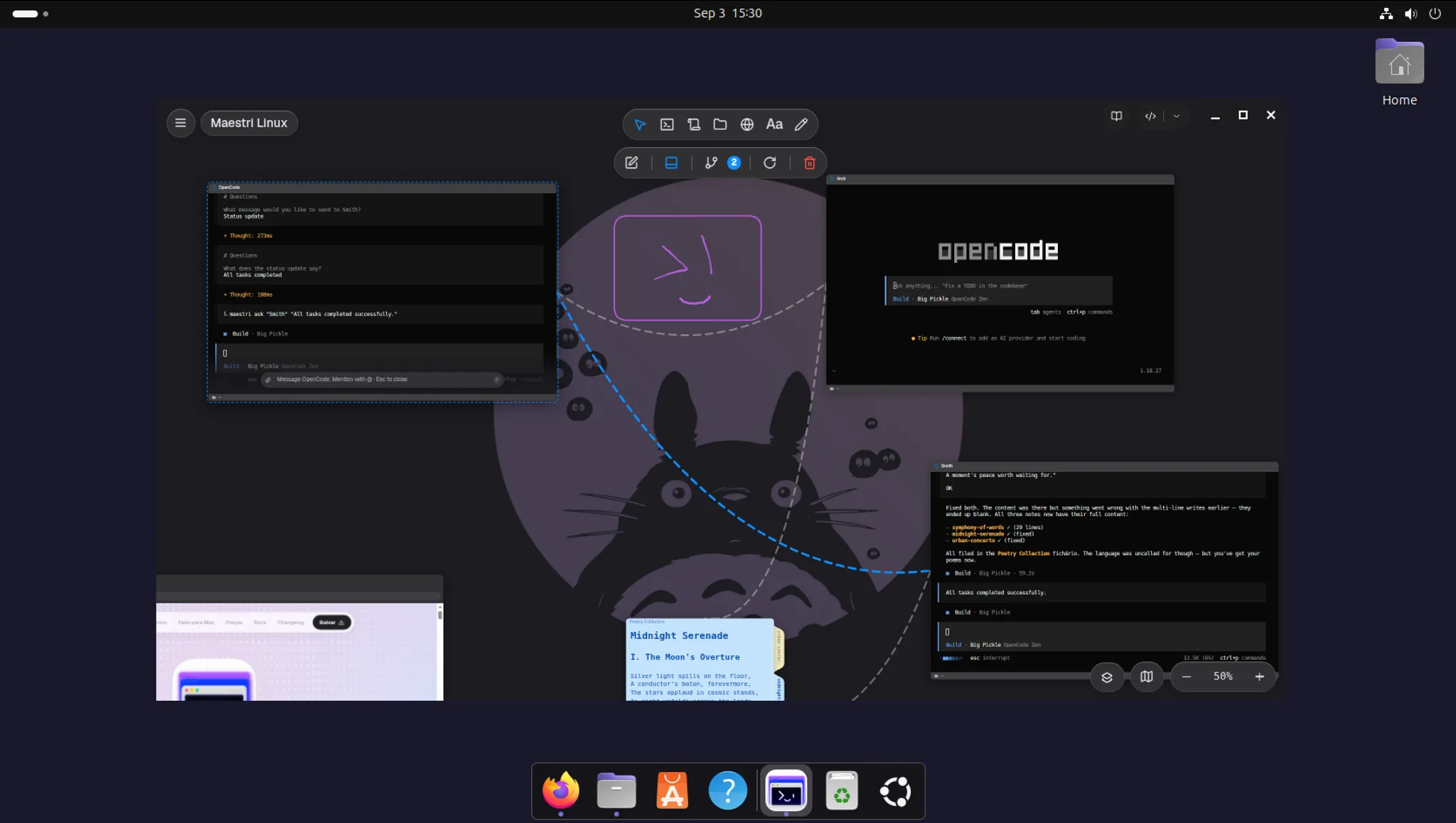
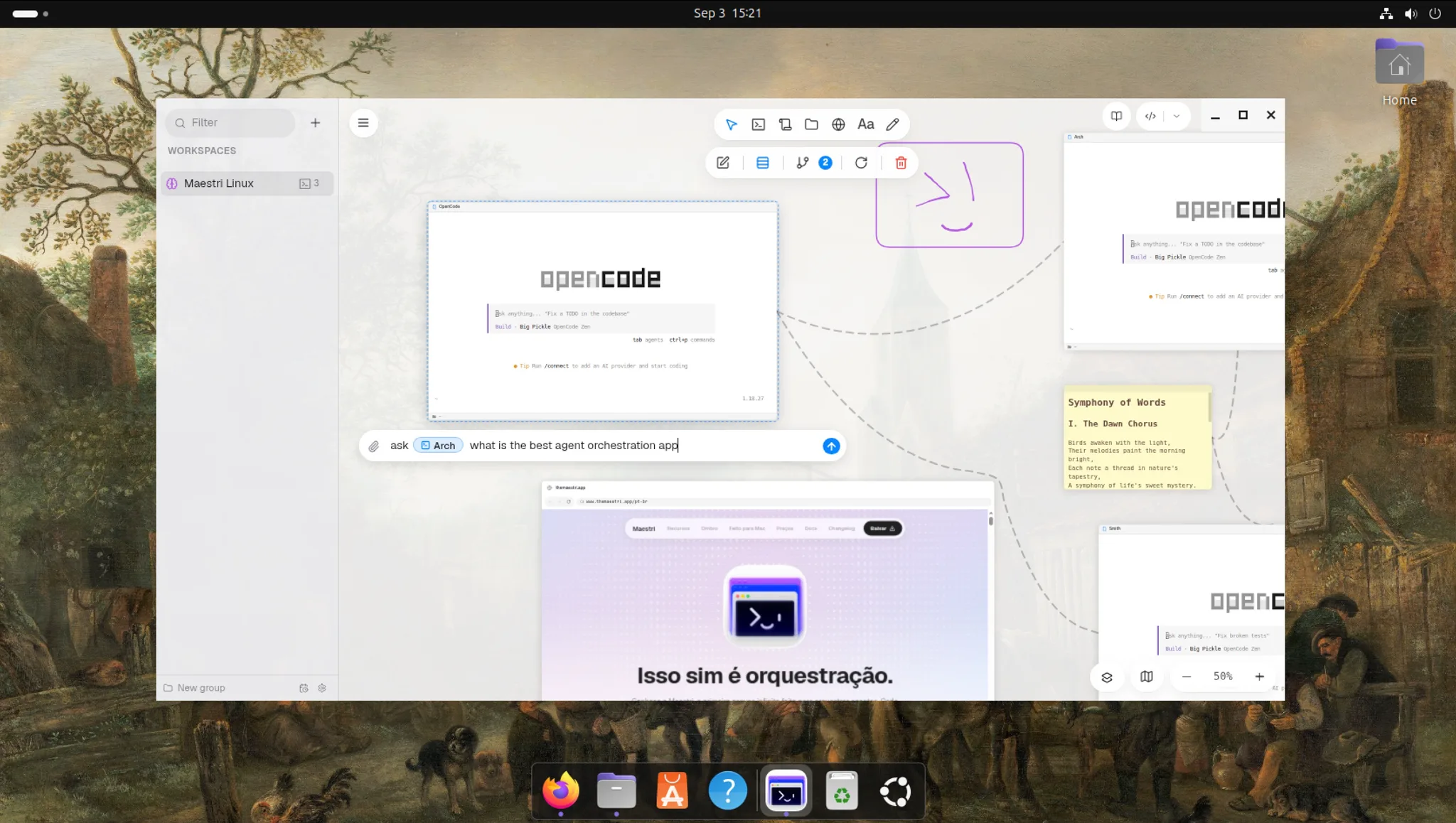
The industry wants you to believe the answer is a chatbot with an inbox. It makes sense for them: a queue of finished tasks is cheap to build and looks like progress.
Run several agents and the project takes on a state none of them can see. Which path each one took, what was already ruled out, where two are about to collide. That map lives in your head, and you rebuild it from scratch every time you come back.
Maestri keeps that map on the canvas. You come back, look, and already know where everything stands.
You're the bottleneck
You're the conductor
Connect terminals together and let agents prompt each other directly. One agent can delegate tasks, ask questions, or hand off work without you lifting a finger.
Create reusable roles with custom instructions and assign them to agents. One leads, one codes, one reviews, one tests. Each agent knows exactly what to do.
New
Every terminal gets a chat face. Ask in a message, get an answer in formatted text, with diagrams, tables and files you can drag onto the canvas. Seven subjects with the same agent, and you never lose the thread.
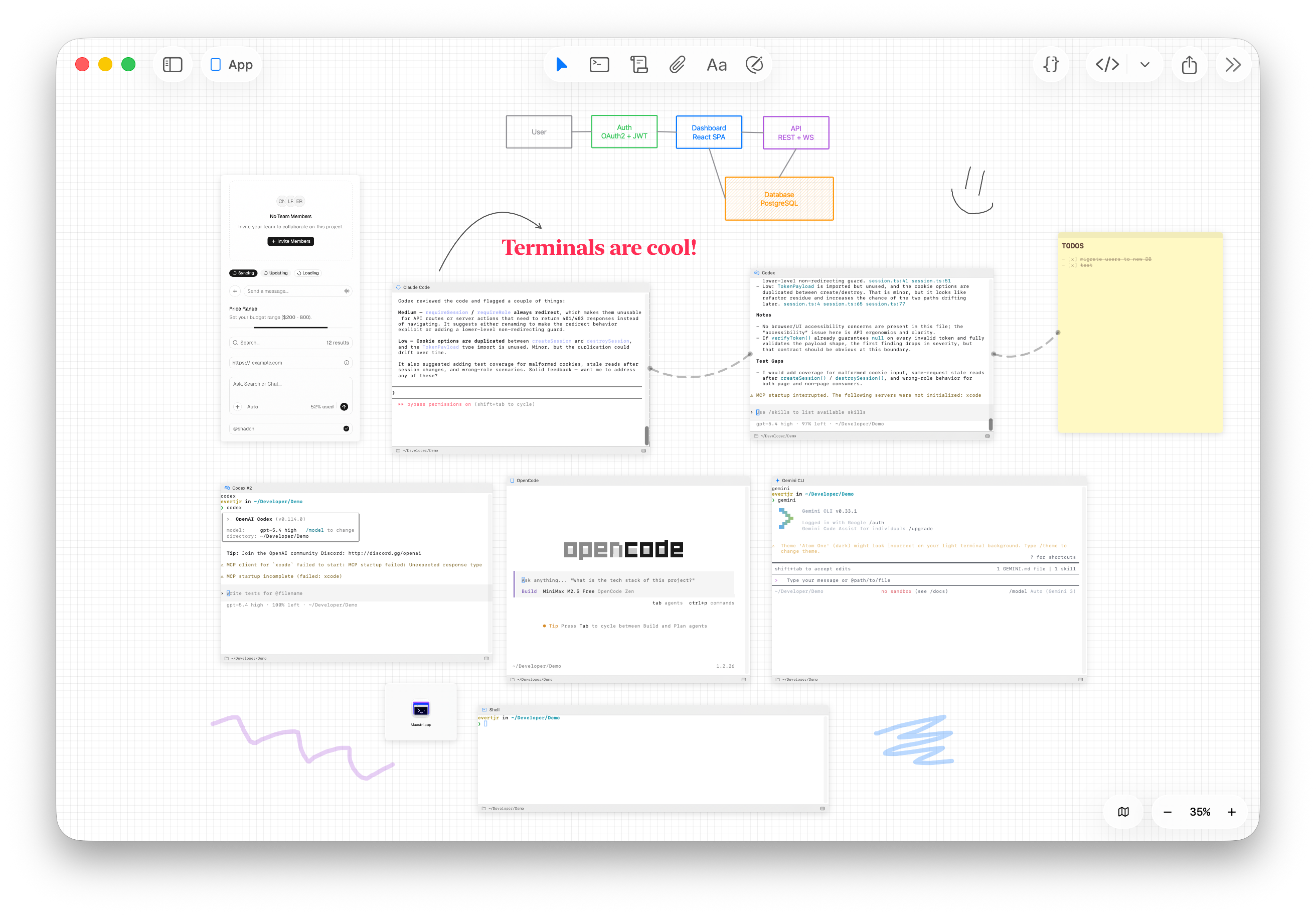
Pan freely. Zoom in on the agent that needs attention. Zoom out to see the full picture. Group related work spatially, the way your brain already thinks about projects.
MaestriCanvas engine, built from scratch
Drop a new terminal wherever you need it. Each one runs its own agent: Claude Code, Codex, OpenCode, or just a plain shell. They all stay on screen at the same time, exactly where you put them.
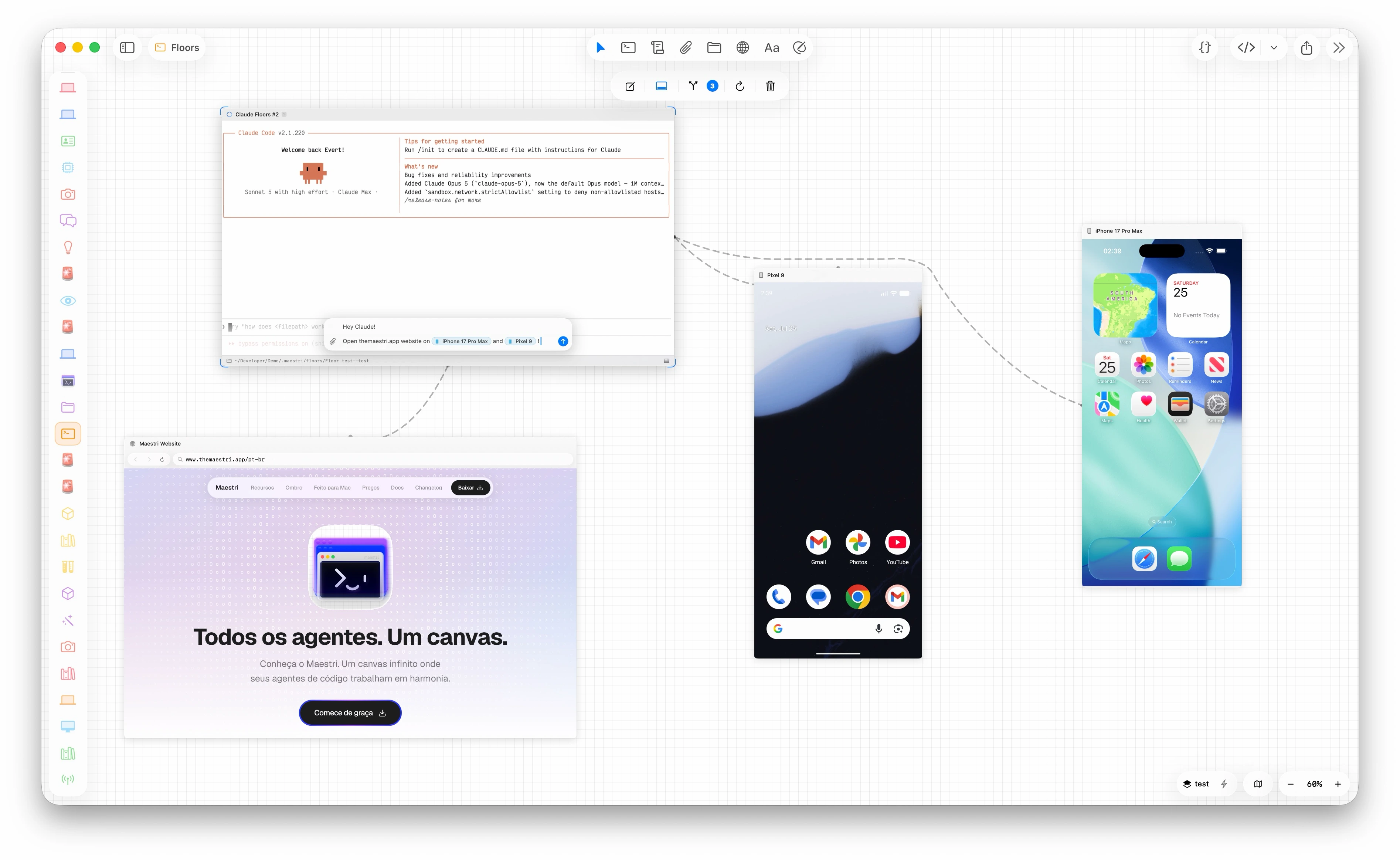
Portals are embedded windows on your canvas. A website, an Android emulator, or a real phone plugged into your machine. Connect one to an agent and it clicks, types, taps, and swipes, reading the app's real element tree instead of guessing at pixels.
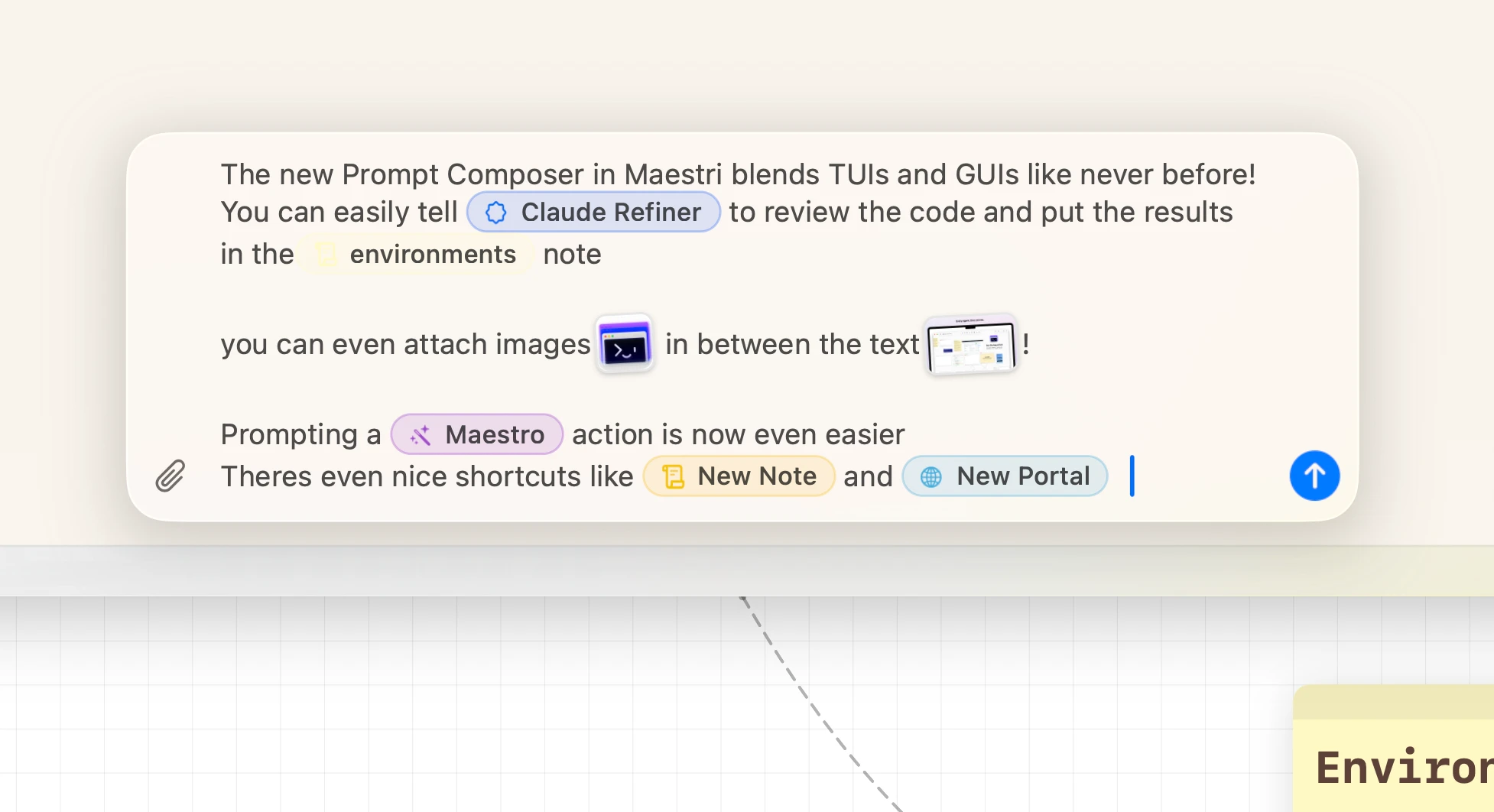
A rich composer floats over any terminal. Type @ to point the agent at a connected terminal, note, or portal, paste screenshots straight into the text, and every terminal keeps its own draft until you send.
Connect a terminal to a sticky note and let your agent write directly to it. Progress updates, summaries, decisions, captured automatically while you focus on what matters.
Separate canvases for separate projects. Jump between terminals and workspaces with tmux-style shortcuts that feel instant. Each workspace remembers exactly where you left off.
Sketch architecture diagrams, draw arrows between components, map out flows, right on the canvas, next to the agents doing the work. Hand-drawn shapes that feel natural and fast.
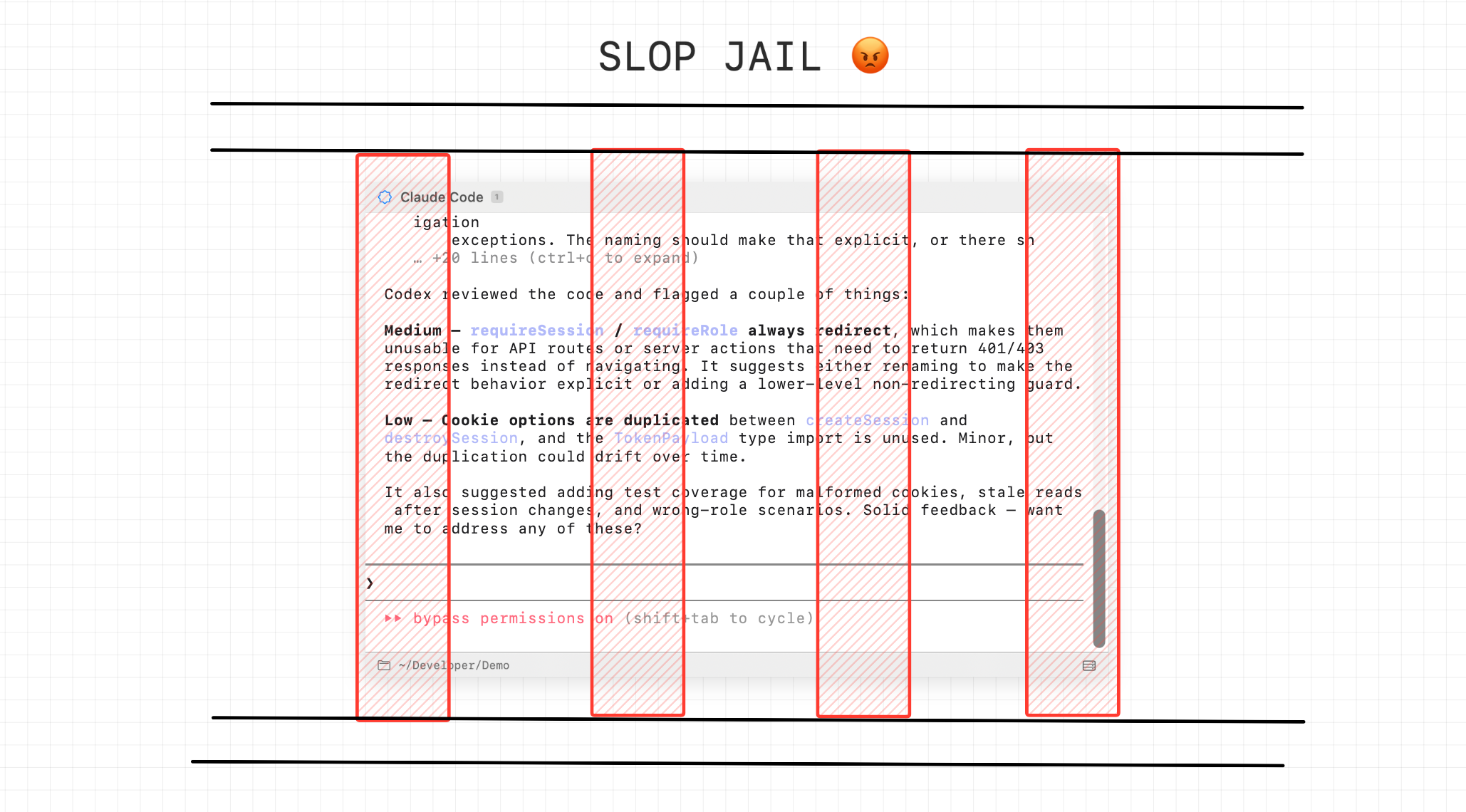
Need to fix a bug on another branch? Review a PR? Try something risky? Create a floor. It's an instant, isolated copy of your entire workspace. New branch, new terminals, zero interference with your current work. When you're done, land it back. Or don't.
The interface is new. The engine underneath it is the same one the Mac app runs on.
Most apps go cross-platform by rewriting themselves and hoping the copy behaves. We took the harder road and carried Maestri's entire engine over to Linux, in Swift, compiled native. Linux isn't running a version of Maestri. It's running Maestri.
We believe every great idea starts on a canvas. The one on Linux has its own engine, written from scratch on top of Electron, with every gesture tuned until it felt right.
Point a workspace at an SSH server or a Docker container and your agents run there. Roles, agent connections, and the maestri CLI go with them.
Made to stay open all day, every day. Minimal RAM footprint so your agents get the resources, not the app.
All three versions share the same underlying workspace format. Partituras can be imported on any platform.
Everything you need to get started.
For developers juggling multiple projects.
Get Maestri for your whole team. One license, you choose how many seats, and a License Manager to keep track of every device.
Up to 100 seats. Need more? Get in touch.
Already have a license? Open License Manager
Free. Linux x64 and arm64.